In short
- Select a word or phrase on any page, right-click it and choose "Look up in Metis".
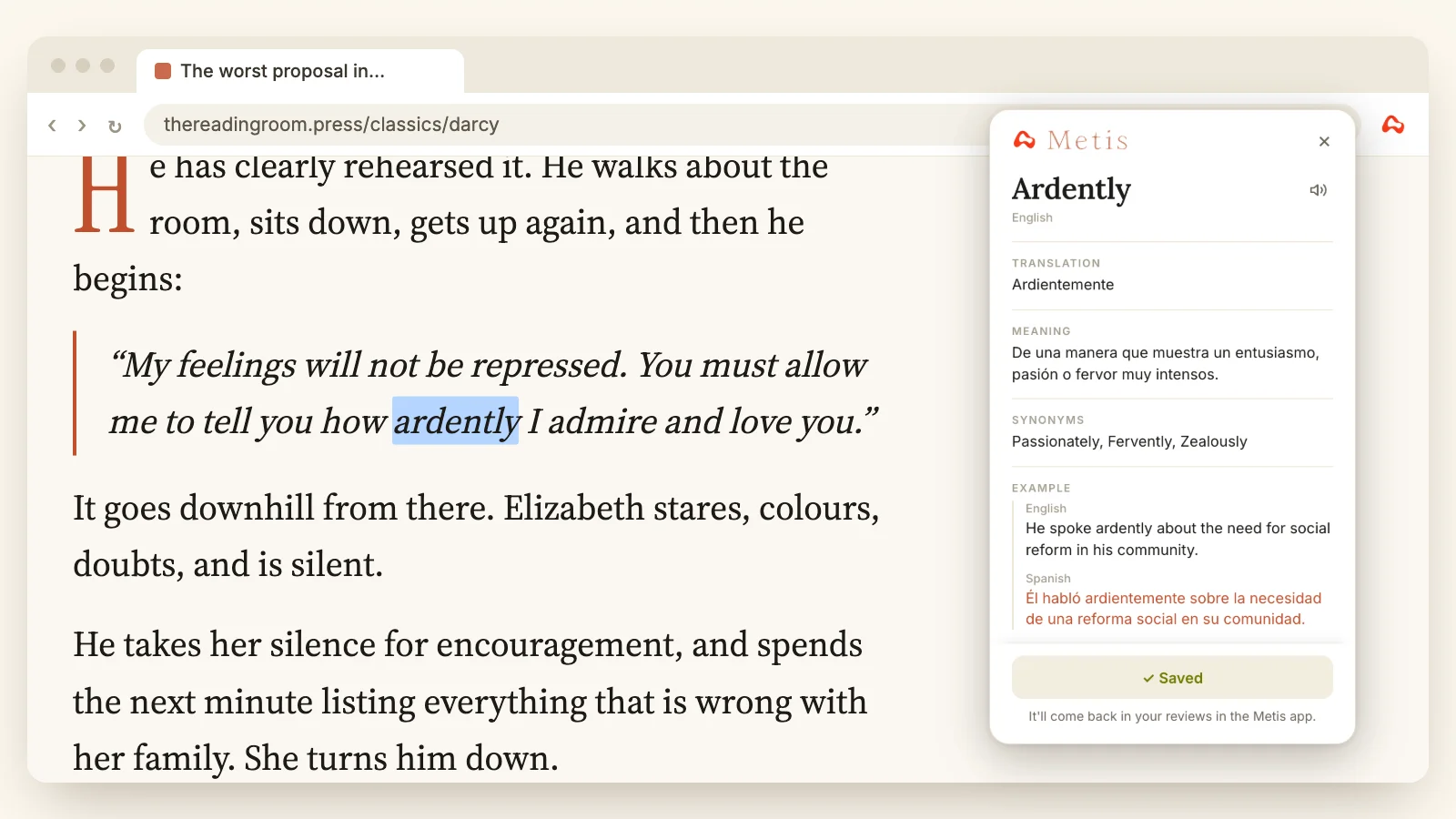
- The card opens next to the text, with the translation, a plain-language meaning and an example.
- Saved words go to the Metis app on your phone and come back for review after 1, 2, 4 and 7 days.
In this guide
Why look words up in the browser
Copy the word, open a new tab, paste it into a translator, read the answer, close the tab. It takes ten seconds, and it breaks your reading every time. And because nothing keeps the word, you go through it all again the next time it turns up.
Metis for Chrome does the lookup where the word is, and turns it into a card in your Metis account: the same card you'd get on your phone.
How it works
- 1
Get the app
Metis for Chrome works with the free Metis app for iPhone. Create your account there first.
- 2
Add the extension and connect
Install Metis from the Chrome Web Store, then connect your account with Google, with email, or with a code: the extension shows it, and you type it in the app under Profile, Chrome extension. The code works for every account, Sign in with Apple included.
- 3
Select, right-click, look it up
On any page, select a word or phrase, right-click it and choose "Look up in Metis". Or select it and press Alt+Shift+M.
- 4
Save it
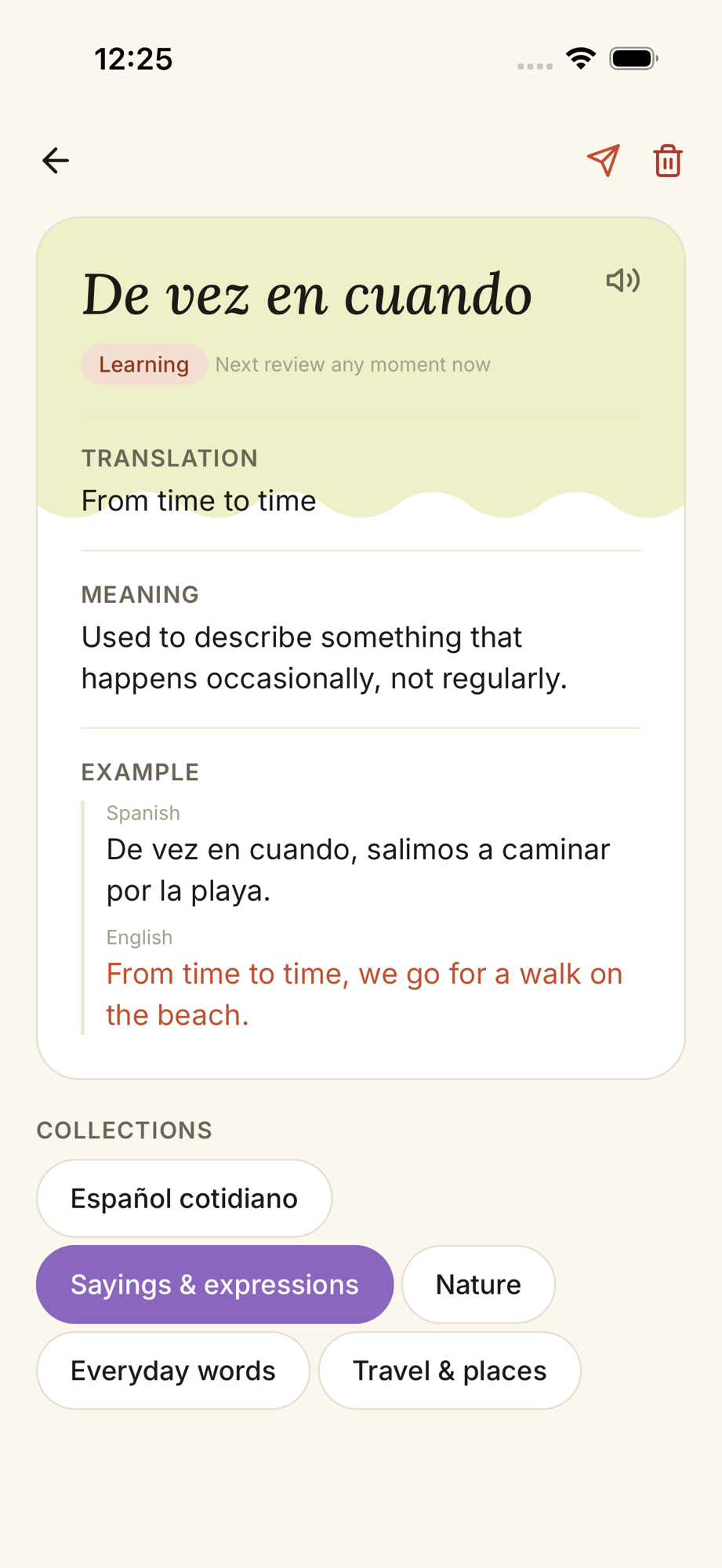
Click "Save to Metis". The word goes to your list in the app, next to everything you looked up on your phone.
What's on the card
- The translation into your language.
- The meaning in plain words, in the language you're learning.
- A real example sentence, with its translation.
- The pronunciation, one click away.
- If Metis picked the wrong sense or the wrong language, one click switches it.
Then it comes back on your phone
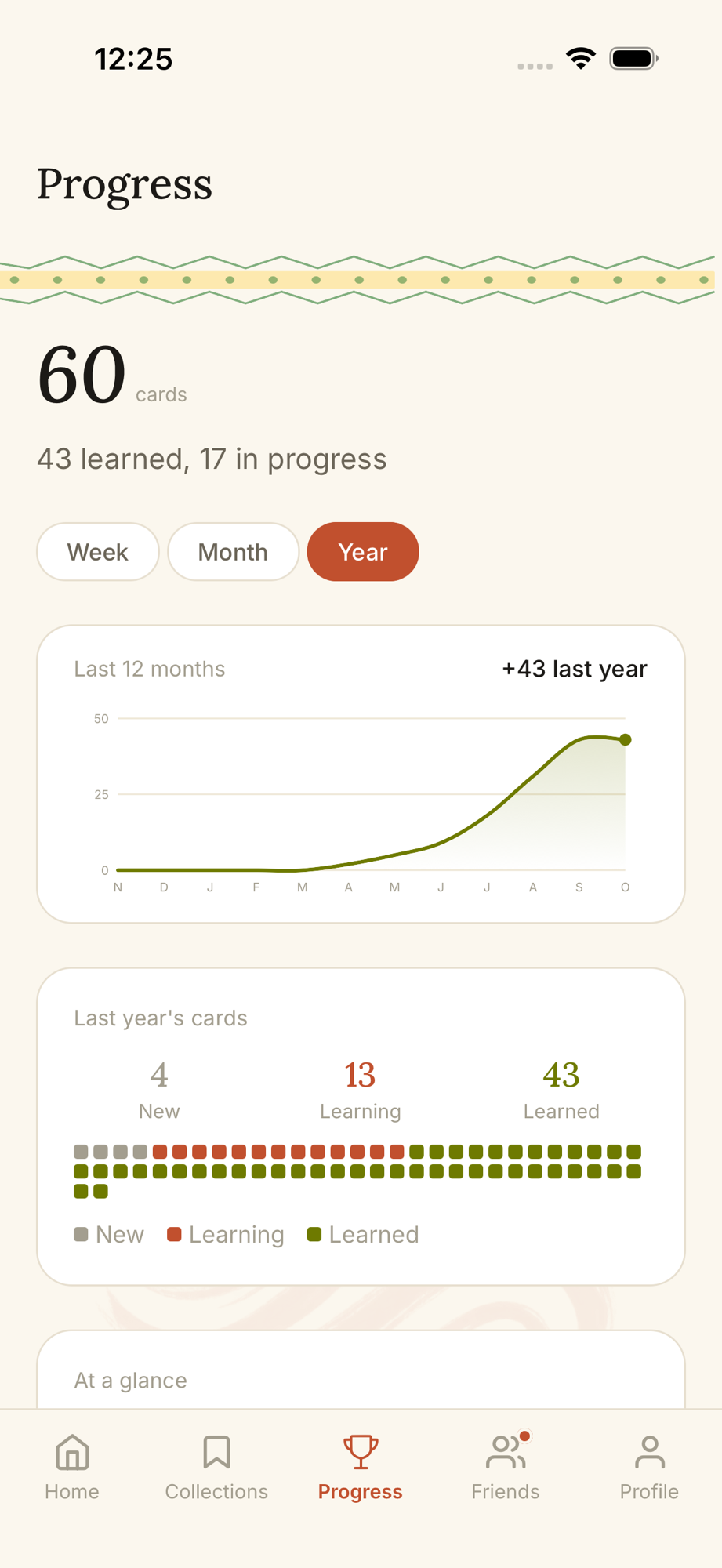
Looking a word up is the easy part. Keeping it is what Metis is for. Every word you save in Chrome comes back in the app after 1, 2, 4 and 7 days as a short quiz, in one of four styles, from multiple choice to filling in the blank. Get it right after a full week, and it's learned.
Where it helps most
- The news in the language you're learning: look up the words that stop you, not every word.
- Work emails and documents, for the vocabulary of your job.
- Rental listings, recipes, letters from the town hall: the words of everyday life abroad.
- A word you heard rather than read: click the Metis icon in the toolbar and type it.
Save the ones you want to keep
You don't have to save every word you look up. If you'd like to know it next month, save it. If you only needed it for this sentence, read the card and close it.
Questions people ask
Is the Chrome extension free?
Yes. The extension is free, and so is the Metis app on iPhone. Free accounts learn one language with up to 10 words in progress at a time; learned words don't count. Premium removes the limits.
Do I need the Metis app?
Yes. The extension saves words to your Metis account, and your reviews happen in the app on your iPhone. Create your account in the app, then connect the extension.
Which websites does it work on?
Any page where you can select text. On pages Chrome doesn't let extensions touch, like the Chrome Web Store, the card opens in a small window instead.
Does it read the pages I visit?
No. It only runs when you choose "Look up in Metis" or press the shortcut, and it only uses the text you selected.
I sign in to the app with Apple. Can I connect?
Yes. Choose to connect with a code, then type that code in the app under Profile, Chrome extension, or scan its QR code with your iPhone camera.